


How to Generate GSTR-1 JSON File in 5 Minutes (No Excel)
How to Generate GSTR-1 JSON File in 5 Minutes (No Excel)
Prepare your GSTR-1 invoice data, review important details and create an upload-ready JSON file without depending on complicated Excel sheets.
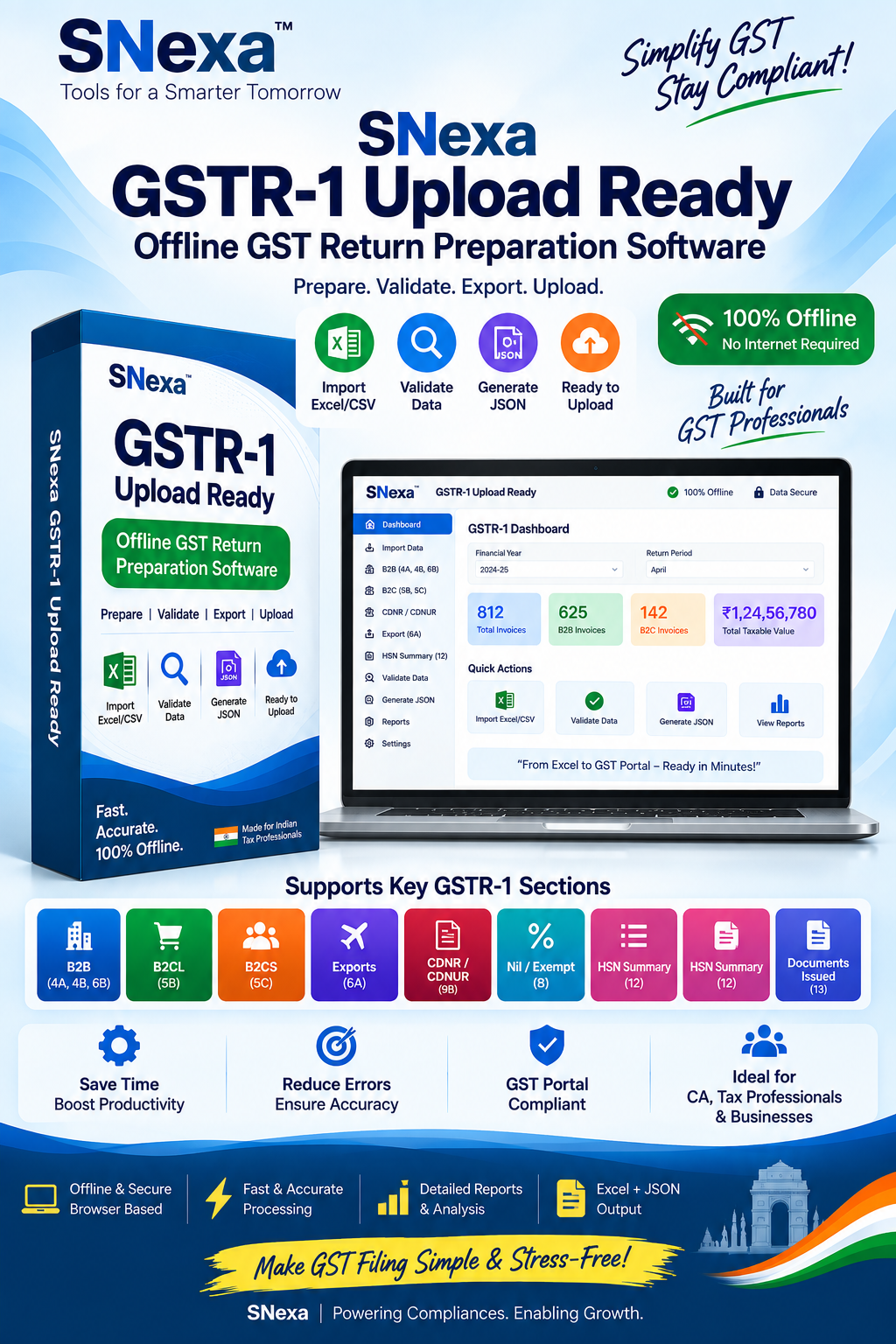
Prepare GSTR-1 details offline and generate an upload-ready JSON file with Snexa.
Quick Answer: How to Generate a GSTR-1 JSON File
To generate a GSTR-1 JSON file, enter or import your outward supply details in a compatible GSTR-1 preparation tool, review invoice information such as GSTIN, invoice number, date, taxable value and tax amounts, then use the tool’s JSON export or generate-file option. After that, log in to the GST portal, open the relevant GSTR-1 return period and use the Prepare Offline or applicable upload option to upload the generated JSON file.
Note about “5 minutes”: You may create the JSON file quickly when invoice data is already prepared and verified. The total time can be longer if you need to collect invoices, correct GSTINs, classify transactions, reconcile sales records or handle a large number of entries.
What Is a GSTR-1 JSON File?
A GSTR-1 JSON file is a structured digital file containing outward supply details that can be uploaded to the GST portal. It organizes return information in a standard format so that invoice and summary data can be imported instead of being entered line by line on the portal.
Businesses commonly generate GSTR-1 JSON files when they have multiple B2B invoices, B2C sales, credit notes, debit notes, HSN summary details or document-summary information to prepare. The GST portal supports offline preparation and JSON-file upload through the GSTR-1 return workflow.
Why Generate GSTR-1 JSON Instead of Entering Every Invoice Online?
Prepare multiple invoices locally before uploading data to the portal.
Check invoice details before the data is uploaded for filing.
A practical workflow for businesses and professionals handling many invoices.
Prepare and review data before opening the GST portal for upload.
What You Need Before Generating GSTR-1 JSON
- GSTIN: Your valid GST registration number.
- Return period: The correct month or quarter for which GSTR-1 is being prepared.
- Sales and invoice records: B2B, B2C, export, credit-note, debit-note and other applicable outward supply details.
- Recipient GSTIN: Required where applicable, especially for B2B invoice reporting.
- Tax details: Taxable value, GST rate, CGST, SGST, IGST and cess information where applicable.
- HSN or SAC details: Prepare the applicable HSN or SAC summary according to your reporting requirements.
- Compatible GSTR-1 tool: Use a compatible offline utility, accounting system or GSTR-1 preparation tool capable of creating the required JSON output.
How to Generate GSTR-1 JSON File: Step-by-Step
Follow these practical steps to prepare a GSTR-1 JSON file without working through a complicated Excel file.
Open Snexa or another compatible GSTR-1 preparation tool. Select the relevant GSTIN and return period before entering data.
Add your sales invoices and other applicable outward supply records. Depending on your workflow, you may enter details manually or use a supported import option.
Ensure that B2B invoices, B2C supplies, exports, credit notes, debit notes and other applicable entries are placed in the correct GSTR-1 section.
Check recipient GSTIN, invoice number, invoice date, taxable value, place of supply, tax rate, CGST, SGST, IGST and cess values where relevant.
Review sales totals and any HSN or SAC summary details required for your return. Compare the figures with your books and sales register.
Use the tool’s Generate JSON, Export JSON or similar option. Save the file in a folder that you can easily locate during GST portal upload.
Log in to the GST portal, choose the correct financial year and return period, open GSTR-1 and use the available Prepare Offline or upload option to select and upload the JSON file. Review uploaded details before filing.
GSTR-1 JSON Workflow at a Glance
Common GSTR-1 JSON Errors to Avoid
| Common Issue | Why It Creates a Problem | What to Check |
|---|---|---|
| Incorrect GSTIN | The recipient or supplier identification details may not match expected GST records. | Verify GSTIN characters and the correct customer GSTIN. |
| Duplicate invoice number | Duplicate entries can create validation and reconciliation issues. | Check invoice numbering for the relevant return period. |
| Wrong invoice date or period | An invoice may be reported in the wrong reporting period. | Confirm invoice dates and the selected GST return period. |
| Tax mismatch | Taxable values and GST amounts may not reconcile. | Review tax rate, taxable value, CGST, SGST and IGST calculations. |
| Outdated file format or tool version | A JSON structure may not meet the portal’s current requirements. | Use an updated compatible tool and verify portal requirements before upload. |
Generate GSTR-1 JSON Without Complicated Excel Work
Snexa is designed for users who want a focused GSTR-1 preparation workflow. Instead of managing complex spreadsheet layouts, you can organize return information in a dedicated offline tool, review the data and generate an upload-ready JSON file.
Frequently Asked Questions
How do I create a GSTR-1 JSON file?
Enter or import relevant outward supply details in a compatible GSTR-1 preparation tool, review the return data and use the generate or export JSON option. Save the file, then upload it through the applicable GSTR-1 workflow on the GST portal.
Can I generate GSTR-1 JSON without Excel?
Yes. You can use a compatible GST return preparation application, accounting software or browser-based GSTR-1 tool that lets you enter or import information and export it as a JSON file. Excel is only one possible data-preparation method.
Where do I upload the GSTR-1 JSON file?
Log in to the GST portal, select the appropriate financial year and return period, open the GSTR-1 return tile and use the available Prepare Offline or upload function to select your saved JSON file. Review the imported information before filing.
Why is my GSTR-1 JSON file not uploading?
Common causes include invalid or incomplete mandatory fields, duplicate invoices, incorrect GSTIN details, incorrect tax amounts, a return-period mismatch or a JSON format that does not match the portal’s current requirements. Review the error message and regenerate the file after corrections.
Does generating a JSON file mean GSTR-1 is filed?
No. JSON generation prepares a file for upload. You must still upload it to the GST portal, review the imported data, complete the applicable return steps and file the return according to the GST portal process.
Ready to Generate Your GSTR-1 JSON File?
Use a focused offline workflow to prepare outward supply data, review important details and generate an upload-ready JSON file before filing your GSTR-1 return.
Get Snexa GSTR-1 Tool →Disclaimer: GST return procedures, portal labels, JSON formats, validations and reporting requirements may change. Verify the latest process and requirements on the official GST portal before filing. This article is for general educational purposes and does not constitute tax or legal advice. The taxpayer or authorised professional remains responsible for checking and filing correct return information.


