


GSTR-1 Offline Tool Download 2026: 5 Best Options Compared
GSTR-1 Offline Tool Download 2026: 5 Best Options Compared
Compare the official GST utility, Excel templates, accounting software, cloud platforms and Snexa’s upload-ready offline GSTR-1 preparation tool.
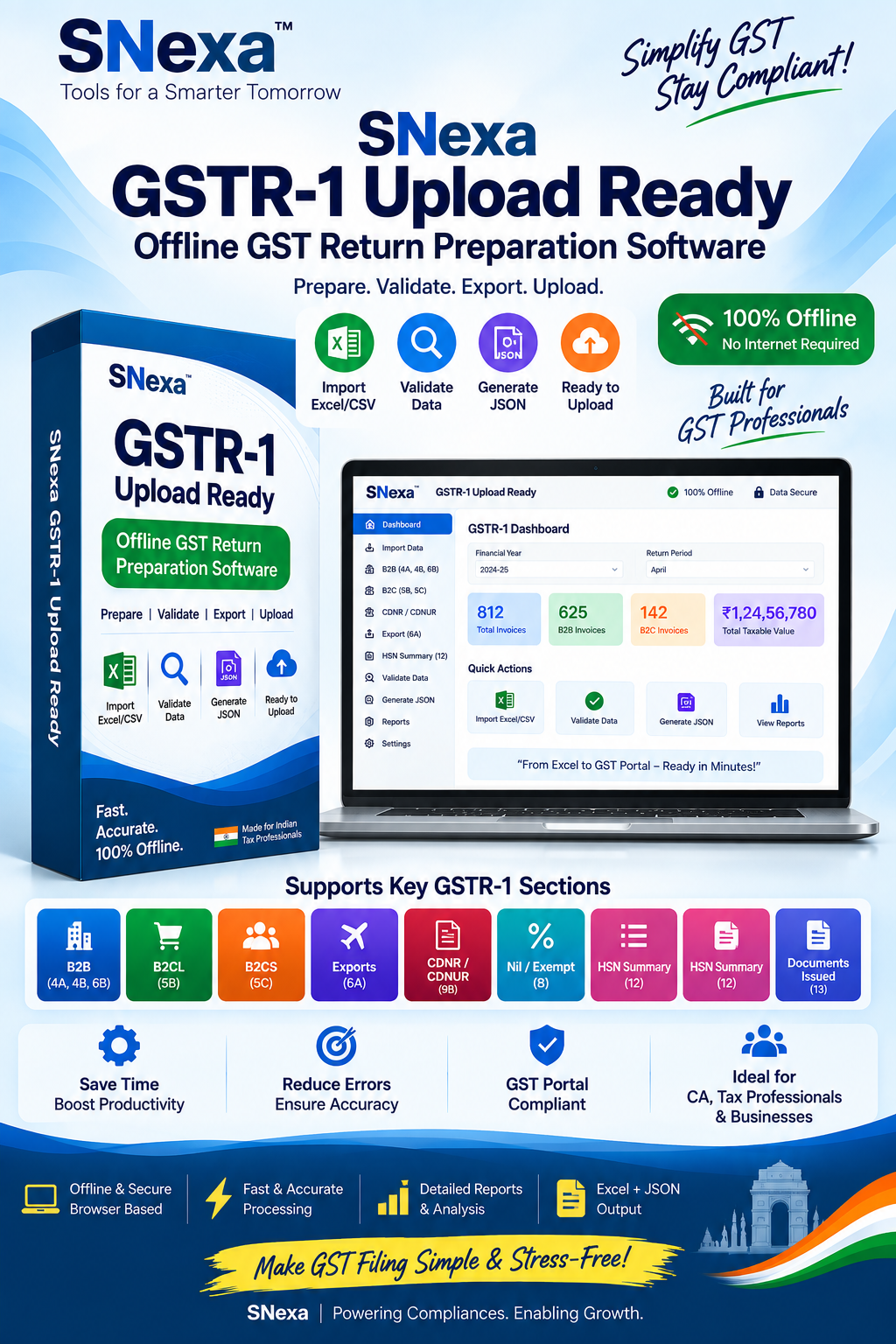
Snexa GSTR-1 Upload-Ready Offline GST Return Preparation Tool
Quick Answer
The best GSTR-1 preparation option depends on how you work. The official utility suits users following the government workflow, Excel helps with small manual datasets, and accounting software works well for complete business management. Snexa is a practical option when you need a focused, offline-first workflow to prepare GSTR-1 data and generate an upload-ready JSON file.
What is a GSTR-1 Offline Tool?
A GSTR-1 offline tool helps taxpayers prepare outward supply details on a computer before uploading the prepared data through the GST portal. Instead of entering all invoices directly online, users can organize records, review GST details, correct errors and generate a JSON file for upload.
This workflow is especially useful for small businesses, traders, freelancers, e-commerce sellers, accountants and CA firms handling regular invoice data.
Why Use an Offline GSTR-1 Preparation Tool?
Keep sales and invoice information structured before filing.
Check GSTINs, dates, tax amounts and invoice details before portal upload.
Generate an upload-ready file after verifying the return data.
Prepare data locally and go online only when you are ready to upload.
5 Best GSTR-1 Preparation Options in 2026
Choose an option based on your invoice volume, accounting needs, technical comfort and preferred GST workflow.
Official GST Offline Utility
Suitable for users who prefer the government-provided workflow for preparing GSTR-1 data offline.
Best for: Taxpayers who are already comfortable with the official GST utility process.
Excel-Based GSTR-1 Templates
Excel is convenient for collecting invoice information and handling small datasets, but manual formulas, formats and copy-paste mistakes may create filing issues.
Best for: Small businesses with a limited number of invoices and existing spreadsheet records.
Accounting and Billing Software
Accounting platforms combine billing, bookkeeping, inventory and GST reporting. They are helpful when your business needs one connected operational system.
Best for: Businesses that need invoicing, inventory, accounting and GST features together.
Cloud-Based GST Platforms
Cloud platforms can support online collaboration, centralized records and multi-user access. They are useful for teams and firms that want web-based workflows.
Best for: CA firms, distributed teams and businesses that prefer online access.
Snexa GSTR-1 Upload-Ready Offline Tool
Snexa is a focused GST return preparation tool for users who want to organize GSTR-1 data offline, review invoice details and generate an upload-ready JSON file without using a large accounting platform.
GSTR-1 Tools Comparison Table
| Option | Best For | Key Advantage | Consideration |
|---|---|---|---|
| Official GST Utility | Official workflow users | Government-provided process | Requires careful format and update handling |
| Excel Templates | Small invoice volumes | Familiar spreadsheet workflow | Manual entry and formula errors |
| Accounting Software | Complete business operations | Billing and accounting integration | May be more than needed for GSTR-1 only |
| Cloud GST Platform | Teams and CA firms | Online collaboration | Requires online access or subscription |
| Snexa GSTR-1 Tool | Focused offline preparation | Prepare and export upload-ready JSON | Not intended as complete accounting software |
How to Prepare GSTR-1 Using Snexa
Launch Snexa in a compatible web browser.
Select the applicable GSTR-1 tax period.
Add outward supply details and relevant invoice information.
Verify GSTINs, dates, invoice numbers, taxable values and taxes.
Create an upload-ready file after completing your review.
Upload the file, check the portal summary and complete filing as applicable.
Who Should Use Snexa GSTR-1 Tool?
Prepare monthly sales data efficiently.
Review client return data before upload.
Organize marketplace-related sales details.
Manage outward supply details with a focused tool.
Frequently Asked Questions
Which is the best GSTR-1 offline tool in 2026?
The best tool depends on your needs. The official utility suits users following the official GST workflow. Accounting software is useful for integrated billing and bookkeeping. Snexa is suitable for users who want a focused, offline-first GSTR-1 preparation workflow and upload-ready JSON generation.
Can I prepare GSTR-1 without internet?
You can prepare data offline with an offline utility or offline-first application. Internet access is generally required when you log in to the GST portal and upload or file your return.
Can Snexa generate a GSTR-1 JSON file?
Snexa is designed to help users prepare GSTR-1 data and generate an upload-ready JSON file. Always review the prepared file and verify the portal-uploaded data before filing.
Is Snexa a complete accounting software?
No. Snexa is a focused GSTR-1 preparation tool. Businesses needing full accounting, invoicing, inventory, payroll or e-invoicing features should consider a complete business or accounting software solution.
Prepare Your GSTR-1 Data with a Focused Offline Workflow
Choose Snexa if you want a simple way to organize GSTR-1 information, review your entries and prepare an upload-ready JSON file before filing on the GST portal.
Get Snexa GSTR-1 Tool →Disclaimer: GST rules, return formats, GST portal processes and technical requirements may change. Always verify current requirements on the official GST portal and consult a qualified GST professional where needed. The taxpayer or authorised professional remains responsible for reviewing and filing correct return information.


