


GSTR-1 Filing for Amazon/Flipkart Sellers: Complete Guide
GSTR-1 Filing for Amazon/Flipkart Sellers: Complete Guide
Learn how to organize marketplace sales, reconcile settlement reports and TCS, report outward supplies in GSTR-1, and prepare an upload-ready JSON file.
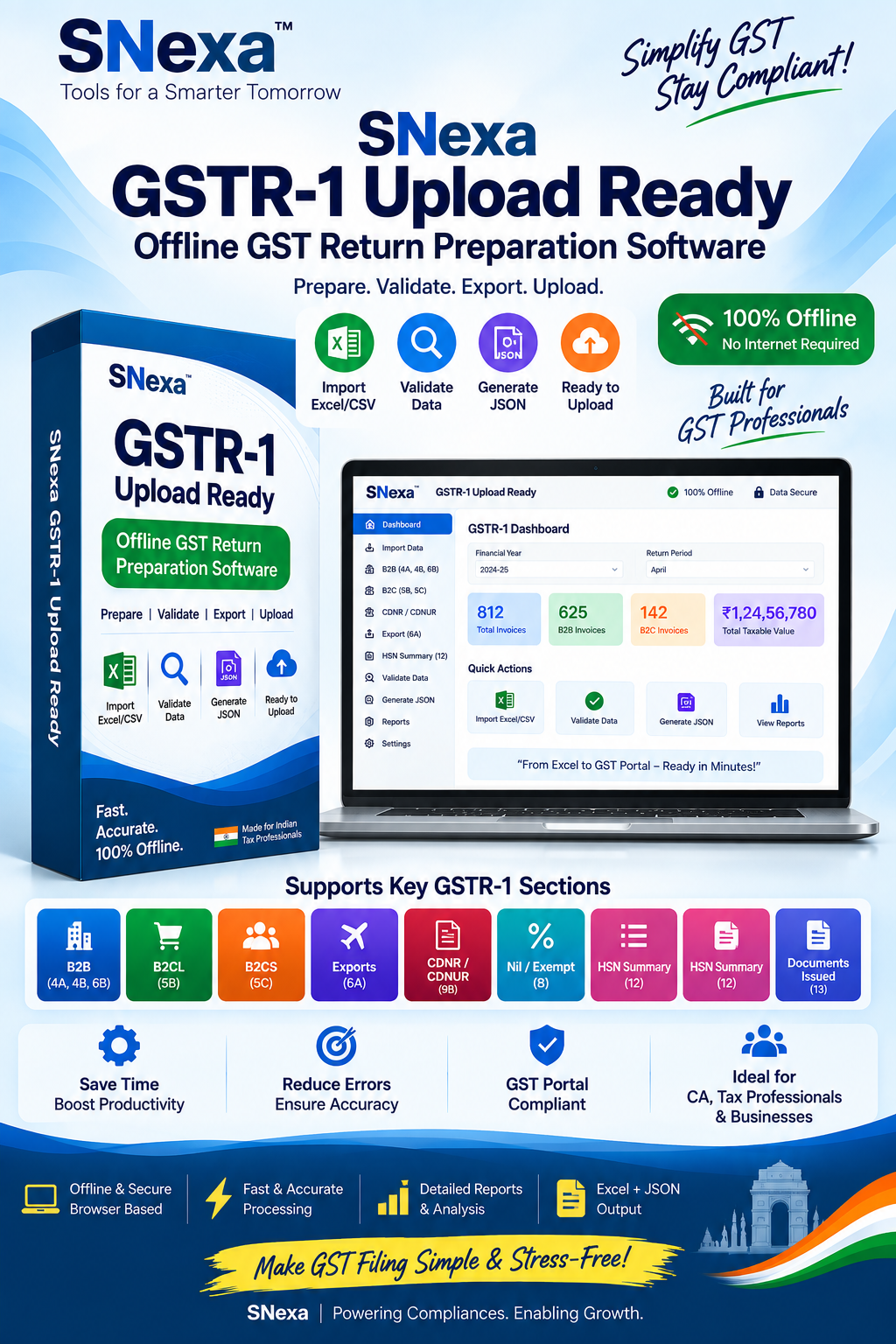
Organize marketplace sales data and prepare an upload-ready GSTR-1 JSON file with Snexa.
Quick Answer for Amazon and Flipkart Sellers
Amazon and Flipkart sellers generally need to report their outward supplies in the applicable GSTR-1 tables, reconcile marketplace settlement and Tax Collected at Source (TCS) details, and report e-commerce-operator-wise information in the applicable Table 14 reporting area. The seller should first record invoices in their normal GSTR-1 categories and then report the relevant operator-wise summary as required. Always reconcile sales, returns, cancellations, fees, TCS and GST liability before filing.
Important: A marketplace settlement amount is not the same as your taxable outward supply value. Marketplace reports may include product sales, returns, cancellations, shipping charges, commissions, advertisements, collection fees, TCS, TDS and other adjustments. Prepare GSTR-1 using correct tax-invoice and sales data, then reconcile it with marketplace reports.
Why GSTR-1 Is Different for Marketplace Sellers
Selling through Amazon, Flipkart or another online marketplace can create a more complex GST workflow than direct local sales. A seller may receive marketplace order reports, tax invoices, settlement statements, return reports, fee invoices and TCS details—all of which need to be understood and reconciled before preparing GSTR-1.
GSTR-1 is the statement of outward supplies. For sellers using e-commerce operators, normal sales reporting still matters, and the GST portal also provides a dedicated Table 14 for supplies made through e-commerce operators. Table 14(a) relates to supplies made through ECOs liable to collect TCS under Section 52, while Table 14(b) relates to supplies where the ECO is liable to pay tax under Section 9(5), where applicable. [47][52][54]
Key GST Terms Every Marketplace Seller Should Know
The sale of goods or services made by you to customers through the marketplace.
The online platform facilitating supplies, such as Amazon or Flipkart.
Tax collected at source by an eligible e-commerce operator on applicable net taxable supplies.
A marketplace report showing sales, returns, fees, deductions and the final payout.
Documents and Reports to Collect Before Filing GSTR-1
- Marketplace sales report: Order-level or invoice-level sale details for the applicable return period.
- Tax invoices: Your invoices issued to customers, including invoice number, date, taxable value and tax amount.
- Return and cancellation reports: Details of returned, cancelled or refunded orders that may impact taxable turnover.
- Settlement reports: Reports that explain how gross sales were adjusted to arrive at net payout.
- TCS information: Applicable operator-collected TCS details for reconciliation and tax-credit purposes.
- Marketplace fee invoices: Commission, shipping, advertising, collection and other service invoices issued by the marketplace.
- HSN summary: HSN-wise sales details where applicable for your GSTR-1 reporting.
- Previous-period amendments: Any invoice amendment, credit note or debit note relating to earlier periods.
How to File GSTR-1 for Amazon and Flipkart Sales
Use this workflow to prepare marketplace sales data before creating your GSTR-1 return or JSON file.
Choose the month or quarter for which you are preparing GSTR-1. Ensure that marketplace reports and your books cover the same period.
Download sales, returns, settlement, tax and TCS-related reports from the Amazon Seller or Flipkart Seller dashboard for the selected period.
Identify the taxable sale value from your invoice and sales data. Do not use the net bank payout as the sales figure because settlements may include marketplace deductions and adjustments.
Report each sale in its normal category. For example, B2B invoices are generally reported in the applicable B2B invoice table, while B2C reporting depends on the nature and value of supply. Use the current GST portal table structure applicable to your transaction.
Report operator-wise details in the applicable Table 14 section. For supplies through an ECO that collects TCS under Section 52, Table 14(a) captures the relevant operator-wise summary. Enter the correct ECO GSTIN, net value of supplies and applicable tax details as required by the portal. [47][52][54]
Compare your sales data with marketplace statements, returns, cancellations, TCS details and GST portal information. TCS is collected by the operator on applicable net taxable supplies; do not treat it as a deduction from your taxable outward supply value. [45][55]
Check HSN or SAC reporting, credit notes for returns or discounts, and corrections for invoices reported in earlier periods where applicable.
After completing your review, generate the JSON file through your GSTR-1 tool, upload it through the GST portal’s applicable offline upload workflow, review the imported figures and complete the filing process.
GSTR-1 Reporting Map for Marketplace Sellers
| Transaction Type | What to Prepare | GSTR-1 Reporting Approach |
|---|---|---|
| B2B marketplace sale | Recipient GSTIN, invoice number, invoice date, taxable value and GST details. | Report the invoice in the applicable B2B table, then include the relevant ECO-wise summary in Table 14 where required. |
| B2C marketplace sale | Place of supply, taxable value, tax rate and customer category details where needed. | Report in the appropriate B2C category as per the current portal workflow, then complete applicable Table 14 ECO reporting. |
| Returned order or post-sale discount | Original invoice reference, credit note details and tax adjustment. | Consider the appropriate credit-note reporting treatment after confirming your invoice and GST documentation. |
| Marketplace TCS | Operator-wise TCS statement and comparison with marketplace sales data. | Reconcile TCS for credit and ensure Table 14 operator-wise supply information is correctly prepared. |
| Marketplace fees | Fee invoice, GST charged by marketplace and business-expense records. | These are generally expense-side records, not your outward sales. Review separately for accounting and eligible ITC purposes. |
How TCS Works for Amazon and Flipkart Sellers
Under GST, an e-commerce operator is required to collect TCS at 1% of the net value of taxable supplies made through the operator where consideration is collected by that operator—comprising 0.5% CGST and 0.5% SGST for intra-state supplies, subject to the applicable legal framework. The operator also furnishes a monthly statement in GSTR-8. [45][46]
For a seller, TCS shown in marketplace statements should be reconciled with sales data and GST portal information. The key point is that your GSTR-1 reporting should be based on correct outward supply and invoice details—not merely on the final settlement amount deposited in your bank account.
Simple Marketplace Settlement Example
Suppose your marketplace report shows gross sales of ₹1,00,000 for the month. The platform then deducts customer returns of ₹10,000, marketplace commission and service fees of ₹8,000, TCS of ₹900, and other adjustments before depositing a net payout into your bank account.
Gross sales: ₹1,00,000
Less eligible returns / cancelled supplies: ₹10,000
Net outward supply for reconciliation: ₹90,000
Marketplace commission and service fees: Expense-side items, to be separately accounted for
TCS: Reconcile as applicable using marketplace and GST portal information
Key lesson: The bank settlement payout is not automatically your GSTR-1 taxable sale value. Reconcile each adjustment with invoice and marketplace records.
Common GST Filing Mistakes by Marketplace Sellers
Marketplace fees, returns and deductions may reduce the payout. Reconcile gross sales and valid adjustments properly.
Returned goods and post-sale changes may require valid credit-note and amendment treatment.
ECO-related operator-wise reporting needs separate attention in addition to normal invoice reporting.
Compare operator statements, books and GST portal details before finalizing your return.
Place-of-supply errors can affect whether tax is reported as CGST/SGST or IGST.
Track expense invoices separately for accounting and possible eligible ITC review.
Simplify GSTR-1 Preparation for Your Marketplace Business
Snexa helps sellers and GST professionals use a focused offline workflow for organizing GSTR-1 information, reviewing invoice data and generating an upload-ready JSON file. It is useful when you want a dedicated GSTR-1 preparation tool rather than a large, complex accounting platform.
Frequently Asked Questions
Do Amazon and Flipkart sellers need to file GSTR-1?
A registered person required to furnish GSTR-1 should report outward supplies according to the applicable GST return rules and filing frequency. Marketplace sellers should prepare sales, returns, amendments and ECO-related reporting carefully before filing.
Where are Amazon and Flipkart sales reported in GSTR-1?
The underlying sales should be reported in their normal applicable GSTR-1 categories, such as B2B or relevant B2C reporting. In addition, supplies made through e-commerce operators require operator-wise reporting in Table 14 as applicable under the current GST portal structure. [47][54]
Is TCS the same as GST payable by the seller?
No. TCS collected by the e-commerce operator is a separate mechanism. Reconcile it with the operator statement and GST portal details as applicable. Your GST liability should be determined from the correct outward supply and tax details.
Should I use marketplace settlement value in GSTR-1?
Do not assume that the net settlement amount equals the taxable value for GSTR-1. Settlement reports can include deductions for returns, commissions, logistics, advertising, TCS and other charges. Reconcile using invoices and sales records.
Can I create a GSTR-1 JSON file for Amazon and Flipkart sales?
Yes. After you organize, classify and review marketplace transactions in a compatible GSTR-1 tool, you can generate a JSON file for upload through the GST portal’s applicable offline workflow. Verify all data before filing.
Prepare Marketplace GSTR-1 Data with More Confidence
Organize marketplace reports, review your outward supply data and generate an upload-ready JSON file with a focused GSTR-1 preparation workflow.
Get Snexa GSTR-1 Tool →Disclaimer: GST laws, portal fields, Table 14/15 reporting, TCS treatment, due dates, marketplace reports and return filing procedures may change. This article is for general educational information and not tax, legal or accounting advice. Always verify current GST portal guidance and consult a qualified GST professional before filing.


