


GSTR-2B Reconciliation Guide: Match GSTR-2B with Books & Fix ITC Mismatches
GSTR-2B Reconciliation Guide: Match GSTR-2B with Books & Fix ITC Mismatches
Learn how to reconcile GSTR-2B with your purchase register, identify mismatched invoices, review input tax credit and prepare a more accurate GSTR-3B filing.

Match GSTR-2B and purchase-register records with Snexa ITCSafe.
Quick Answer: What Is GSTR-2B Reconciliation?
GSTR-2B reconciliation means comparing the input tax credit information shown in your GSTR-2B statement with your own purchase register, supplier invoices and books of accounts. The aim is to identify exact matches, missing invoices, GSTIN differences, invoice-number differences, tax-value mismatches, duplicate records and ITC items that need review before claiming credit in GSTR-3B.
Important: GSTR-2B is an important ITC reference statement, but an invoice appearing in GSTR-2B does not automatically make every credit eligible. Input tax credit eligibility depends on applicable GST conditions, valid documentation, business use, blocked-credit provisions, supplier compliance, tax-payment conditions and other legal requirements. Review the current rules and consult a qualified GST professional where needed.
What Is GSTR-2B?
GSTR-2B is an auto-drafted input tax credit statement generated for normal taxpayers based on information submitted by suppliers in forms such as GSTR-1 or IFF, GSTR-5 and GSTR-6. It indicates the availability or non-availability of input tax credit against documents reported by suppliers. [87]
The GST portal advises taxpayers to reconcile GSTR-2B data with their own records and books of accounts before claiming ITC. This makes regular reconciliation a practical compliance step before preparing GSTR-3B. [86]
Why Reconcile GSTR-2B with Your Purchase Register?
Find purchase invoices recorded in your books but not visible in GSTR-2B.
Spot GSTIN, invoice-number, date, taxable-value and tax-amount differences.
Create a structured list of ITC items that need eligibility or documentation review.
Prepare supplier follow-up records for invoices not reported or reported incorrectly.
Documents You Need for GSTR-2B Reconciliation
- GSTR-2B statement or file: Downloaded for the correct financial year and return period.
- Purchase register: Invoice-level purchase data maintained in your books or accounting system.
- Supplier invoices: Original tax invoices and debit or credit notes where applicable.
- Vendor master: Supplier name, GSTIN and contact details for follow-up.
- Expense and ITC records: Details needed to review business use, blocked credits, RCM and eligibility.
- Previous reconciliation file: Earlier-period mismatch report, vendor follow-up status and unresolved invoice records.
How to Reconcile GSTR-2B with Books: Step-by-Step
Use this process each month before you finalize input tax credit for GSTR-3B.
Download or view GSTR-2B for the correct financial year and return period. Confirm that your purchase-register data covers the same period.
Check supplier GSTIN, invoice number, invoice date, document type, taxable value and tax amounts. Remove unwanted spaces, standardize date formats and correct obvious typing errors before matching.
Begin with the strongest invoice identity fields: supplier GSTIN, document type and invoice number. Then compare invoice date, taxable value and tax amounts.
Separate exact matches, partial matches, probable matches, unmatched purchase-register invoices and unmatched GSTR-2B invoices. The GST portal’s offline matching workflow similarly supports exact, partial, probable and unmatched result categories. [84]
Check whether a mismatch is caused by a supplier reporting error, a book-entry error, invoice timing difference, credit note, debit note, duplicate record or an invoice not yet filed by the supplier.
After matching, review whether the invoice satisfies applicable ITC conditions. Do not rely only on a match result; check business purpose, documents, blocked-credit restrictions, RCM treatment and other applicable requirements.
Create a vendor follow-up report for unresolved invoices, document the action taken and use the reviewed eligible ITC figure while preparing GSTR-3B.
Stop Matching GSTR-2B and Purchase Invoices Manually
Snexa ITCSafe is designed to help businesses, accountants and GST professionals compare GSTR-2B or GSTR-2A data with purchase-register records. Identify matched invoices, missing invoices, GSTIN mismatches, invoice differences and tax-value mismatches before reviewing ITC for GSTR-3B.
Common GSTR-2B Mismatches and What They Mean
| Mismatch Type | Possible Reason | What to Review |
|---|---|---|
| Invoice missing in GSTR-2B | Supplier may not have filed, invoice may be reported later, or invoice details may be entered incorrectly. | Confirm invoice, contact supplier and track follow-up status. |
| Invoice missing in purchase register | Purchase entry may be missing, duplicated elsewhere or belong to another period or branch. | Check books, original invoice, vendor account and period selection. |
| GSTIN mismatch | Wrong GSTIN entered in books or supplier has uploaded using incorrect details. | Compare invoice GSTIN, vendor master and GSTR-2B data carefully. |
| Invoice number mismatch | Prefix, suffix, special-character, spacing or typing difference. | Standardize invoice numbering and verify original supplier document. |
| Invoice date mismatch | Booking date may differ from invoice date, or one record may contain a data-entry error. | Check original invoice date and the period in which supplier reported it. |
| Taxable value or tax mismatch | Partial invoice, credit note, tax-rate error, rounding difference or incorrect book entry. | Review taxable value, IGST, CGST, SGST, cess and document adjustments. |
| Duplicate invoice | Same invoice may be entered twice in books or uploaded more than once by mistake. | Check invoice number, supplier, value and document type before ITC review. |
What Fields Should Be Matched During Reconciliation?
A reliable reconciliation process should not rely on one field alone. Start with supplier GSTIN and invoice number, then validate the document type, invoice date, taxable value and tax amounts. Official matching-tool guidance describes matching based on parameters such as GSTIN, document type, document number, document date, total taxable value and tax amount by tax head. [84]
Reconcile Purchase ITC and Prepare Sales Data Together
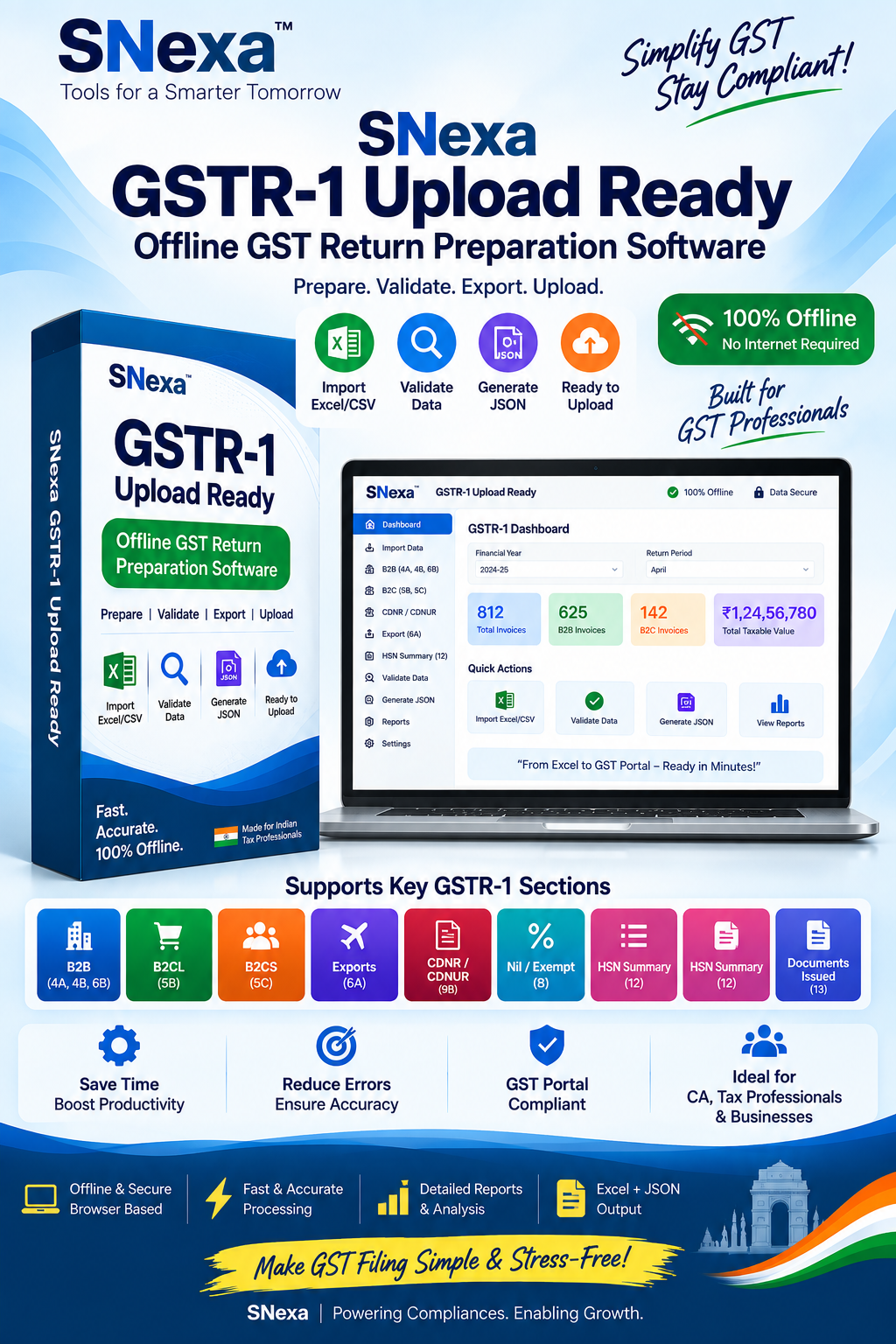
ITC reconciliation is one side of GST compliance. You should also maintain clean outward-supply records for GSTR-1. Snexa GSTR-1 Upload-Ready Tool helps organize sales details and prepare an upload-ready JSON workflow for GST return preparation.
Explore Snexa GSTR-1 Tool →Vendor Follow-Up Checklist for Missing GSTR-2B Invoices
When an invoice is recorded in your purchase register but does not appear in GSTR-2B, do not ignore it. Create a structured follow-up record and retain supporting documents.
- Verify the original tax invoice and confirm supplier GSTIN, invoice number, date and tax amounts.
- Check whether the invoice was booked in the correct period and under the correct GSTIN or business branch.
- Contact the supplier and request confirmation of return filing or invoice-reporting status.
- Ask the supplier to correct or amend reporting where needed, subject to applicable GST procedures.
- Record the supplier response, follow-up date and resolution status.
- Review ITC treatment in line with applicable law and professional advice before claiming or deferring credit.
Monthly ITC Reconciliation Makes GSTR-9 Preparation Easier
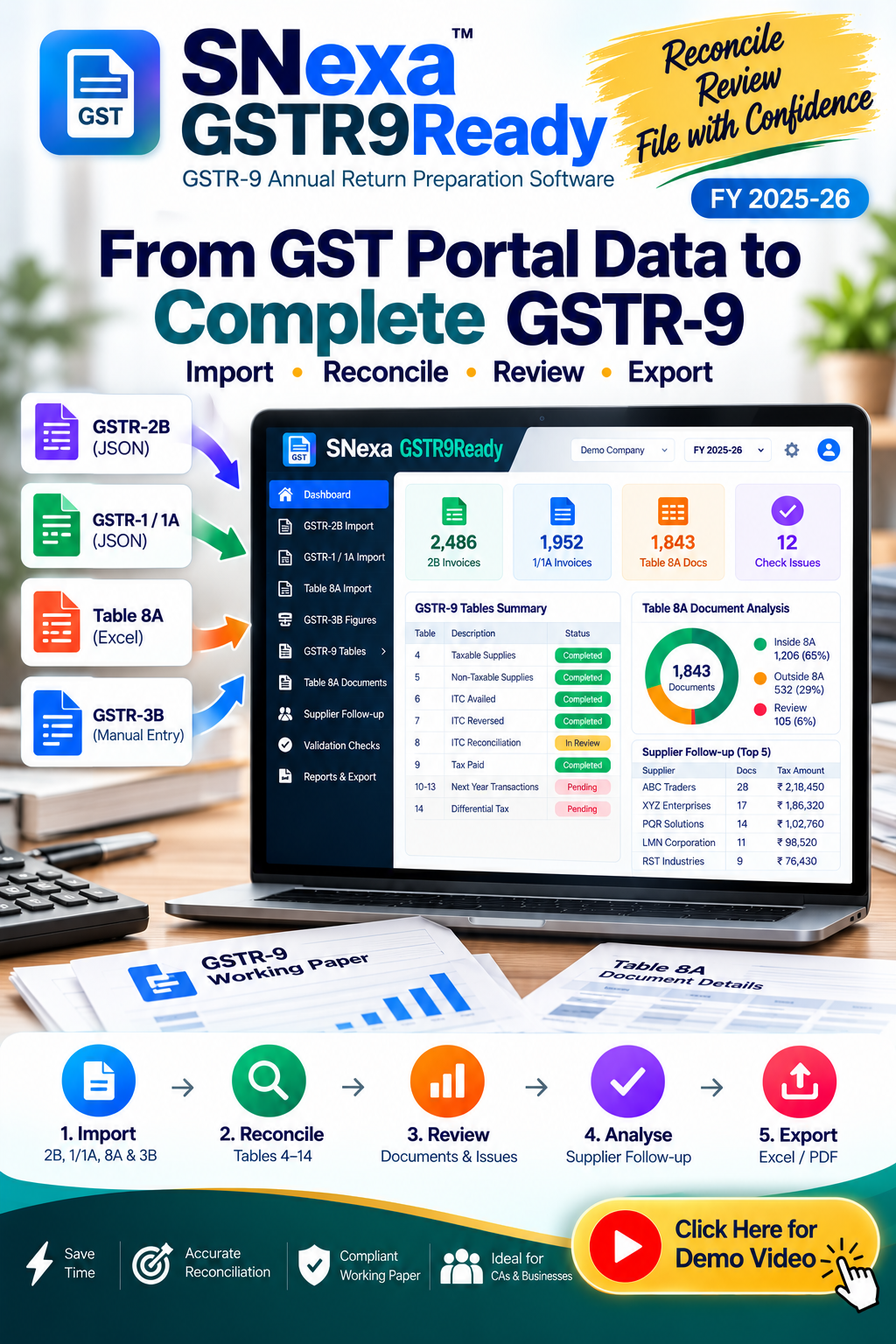
Regular GSTR-2B and purchase-register reconciliation creates a cleaner audit trail for annual GST review. Snexa GSTR9Ready is designed for GSTR-9 preparation and reconciliation for Financial Year 2025–26.
Explore Snexa GSTR9Ready →Common GSTR-2B Reconciliation Mistakes to Avoid
Use GSTIN, document type, date, value and tax heads—not only invoice number.
Spaces, prefixes, hyphens and special characters can create false mismatches.
A matching invoice still requires ITC eligibility review under applicable GST rules.
Notes can affect tax, taxable value and final ITC records.
Maintain an owner, action date and status for each unresolved mismatch.
Monthly reconciliation usually makes mismatches easier to investigate and correct.

Need More Than GSTR-2B Reconciliation?
GST compliance involves outward supplies, ITC reconciliation, return preparation and annual review. Snexa GST Toolkit brings together practical GST compliance utilities for businesses, accountants and GST professionals who want a more organized workflow.
Explore Snexa GST Toolkit →Frequently Asked Questions About GSTR-2B Reconciliation
What is GSTR-2B reconciliation?
GSTR-2B reconciliation is the process of comparing GSTR-2B invoice information with your purchase register, supplier invoices and books to identify matched records, missing documents and mismatch cases before ITC review.
Why is an invoice missing from GSTR-2B?
An invoice may be missing because the supplier has not filed or reported it yet, entered incorrect information, reported it in a different period, or because the invoice was recorded differently in your own books. Verify the original invoice and contact the supplier when needed.
Can I claim all ITC shown in GSTR-2B?
Not necessarily. GSTR-2B helps review ITC, but eligibility depends on applicable GST law, valid documentation, business use, restrictions on blocked credits and other conditions. Seek professional advice when the treatment is unclear.
How often should I reconcile GSTR-2B?
Monthly reconciliation is usually a practical approach for regular taxpayers because it helps identify issues early, supports timely vendor follow-up and makes GSTR-3B working more organized.
Can I reconcile GSTR-2B using Excel?
Yes, but manual Excel matching can be time-consuming when there are many invoices or inconsistent invoice formats. A dedicated reconciliation tool can help classify exact matches, partial matches, probable matches and unmatched invoices more systematically.
Reconcile ITC Before You File GSTR-3B
Match your GSTR-2B records with purchase-register data, identify differences and prepare a structured ITC review workflow with Snexa ITCSafe.
Get Snexa ITCSafe →Disclaimer: This article is for general educational purposes only and does not constitute tax, legal or accounting advice. GST rules, GSTR-2B data availability, ITC eligibility conditions, invoice-management processes and portal workflows may change. Always verify the latest GST requirements and consult a qualified GST professional before claiming ITC or filing a GST return.


