


Tally vs Zoho Books vs ERP Group vs Vyapar: Best Accounting Software in India
Choosing accounting software is an important decision for Indian businesses. The right system should support GST compliance, invoicing, bank reconciliation, inventory, reporting, data security, remote access, and the daily work of your accountant or finance team.
TallyPrime remains a familiar choice for many businesses, especially where desktop accounting, detailed vouchers, inventory, and established accounting processes are important. However, cloud-first products such as Zoho Books, ERP Group, and Vyapar are attracting businesses that want browser access, mobile billing, collaboration, automation, and easier remote work.
This guide compares TallyPrime, Zoho Books, ERP Group, and Vyapar in 2026. It also explains why some businesses are moving to cloud accounting tools, when TallyPrime may still be the better choice, and how Snexa tools can extend Tally workflows for reconciliation, bank statement conversion, Excel imports, and MIS reporting.
Quick comparison: Tally vs Zoho Books vs ERP Group vs Vyapar
| Feature | TallyPrime | Zoho Books | ERP Group | Vyapar |
|---|---|---|---|---|
| Primary model | Desktop-first accounting software | Cloud accounting software | Cloud ERP and business management platform | Mobile, desktop, and small-business billing solution |
| Best suited for | Accountants, traders, SMEs, inventory-heavy operations, CA workflows | Cloud-first startups, service businesses, remote teams, Zoho users | Businesses seeking integrated operations, GST workflows, and ERP modules | Small shops, retailers, traders, mobile-first businesses |
| Internet dependency | Can work locally; cloud/remote access needs separate setup | Internet-based for regular use | Internet-based cloud platform | Depends on selected mobile, desktop, or sync workflow |
| GST billing | Supported with configuration and current product features | GST-ready invoicing and compliance tools | GST billing and compliance workflows | GST billing and invoice creation |
| Inventory management | Strong for stock, godowns, batches, and business-ledger workflows | Suitable for many small and growing businesses | May suit businesses needing broader ERP and operational management | Suitable for basic to moderate retail and trading inventory needs |
| Remote team access | Possible through cloud hosting or remote-access setup | Designed for browser and remote access | Designed for browser and remote access | Useful for mobile-oriented business activity |
| Mobile use | Usually depends on remote-access or add-on workflows | Mobile access available with cloud approach | Browser-based use supports remote business access | Strong fit for phone-first billing users |
| Accounting familiarity | Very familiar to traditional accountants and CA firms | Modern cloud interface with a learning curve for Tally users | May require process changes and ERP onboarding | Simple for many small-business billing workflows |
| Custom workflow flexibility | Strong accounting-led workflow capability and customisation ecosystem | Cloud workflow and integration-driven flexibility | Integrated modules for businesses requiring wider operational control | Simple, practical workflows for smaller businesses |
| Typical commercial model | License or subscription options depending on edition and plan | Subscription-based cloud plans | Subscription-based cloud/ERP model | Affordable subscription options for small businesses |
Important: Product features, supported integrations, pricing, GST workflows, user limits, and compliance capabilities can change. Always confirm your required feature set, current plan, user count, and implementation requirements directly with the software provider before buying.
TallyPrime: best for accounting-first businesses
TallyPrime is often preferred by businesses that already have trained Tally operators, long accounting histories, established voucher processes, detailed ledger control, stock management needs, and CA or accountant-led workflows.
It is especially relevant for traders, distributors, manufacturers, wholesalers, traditional SMEs, accounting firms, and businesses that want detailed accounting records maintained locally or through a controlled hosted environment.
Choose TallyPrime if your business needs:
- Detailed voucher entry and accounting control.
- Strong familiarity among accountants and CA firms.
- Inventory, godown, batch, and expiry-related workflows.
- Local desktop operation with your own data management approach.
- Custom reporting, TDL-based customisation, or established Tally processes.
- Structured accounting data that can be exported for reporting and analysis.
Consider before choosing TallyPrime
- Remote access may require cloud hosting, remote desktop, or an additional setup.
- Mobile-first owners may prefer a cloud or app-based interface.
- Some automation workflows may require add-ons, external tools, or operational processes.
- Multi-user access and data backup must be planned carefully.
Zoho Books: best for cloud-first businesses
Zoho Books is a cloud accounting option for businesses that want browser-based access, collaboration, online invoicing, mobile use, and connection with a wider software ecosystem.
It can be a practical option for service businesses, agencies, startups, consultants, remote finance teams, and businesses already using products such as Zoho CRM, Zoho Inventory, Zoho Expense, or other Zoho applications.
Choose Zoho Books if your business needs:
- Cloud-based access for owners, accountants, and remote teams.
- Online invoicing and browser-based operations.
- Mobile access for approvals, billing, and business visibility.
- Integration with other business applications.
- A subscription-based software model.
- Collaboration across locations without maintaining a local office server.
Consider before choosing Zoho Books
- Internet access is important for regular usage.
- Tally users may need time to learn new navigation and workflows.
- Data migration should be planned carefully, including ledgers, opening balances, customers, vendors, stock, and historical transactions.
- Costs may increase as users, automation needs, or connected apps grow.
ERP Group: best for businesses needing broader ERP workflows
ERP Group positions itself as a cloud-based business and accounting platform for Indian businesses. It focuses on combining accounting, GST, reporting, invoicing, operational workflows, and broader business-management modules in one environment.
It may be worth evaluating for growing businesses that want accounting software along with additional business controls, integrated workflows, and cloud access across teams or locations.
Choose ERP Group if your business needs:
- Cloud-based accounting and GST workflows.
- Business management features beyond basic bookkeeping.
- Real-time reporting and centralised business data.
- Potential integration across sales, inventory, finance, and operations.
- A platform approach rather than standalone desktop accounting.
Consider before choosing ERP Group
- ERP implementation requires careful planning and user training.
- Map your existing accounting, inventory, approval, and reporting workflows before migration.
- Confirm the exact modules included in your selected plan.
- Test GST, e-invoicing, e-way bill, bank reconciliation, and reporting workflows using your real business requirements.
Vyapar: best for small shops, retailers, and mobile-first users
Vyapar is commonly considered by small businesses that want a simpler billing and accounting experience. It is often relevant for shop owners, retailers, traders, distributors, and micro-businesses that need GST billing, estimates, stock tracking, payment reminders, and business access through mobile or desktop tools.
Choose Vyapar if your business needs:
- Easy billing for a small shop, retailer, or trader.
- Mobile-first business management.
- GST invoices and everyday customer billing.
- Basic stock control and payment tracking.
- An affordable system for a smaller team.
Consider before choosing Vyapar
- Evaluate whether its reporting depth meets your accountant's requirements.
- Check whether your business needs complex inventory, multiple godowns, batch tracking, or advanced financial controls.
- Confirm your preferred workflow for GST return preparation and filing.
- Test the system with real invoices, customer ledgers, stock items, and bank transactions before switching.
Why businesses are switching from Tally to cloud accounting tools
Businesses do not always leave Tally because Tally is unsuitable. Many businesses switch because their operational needs change. For example, the owner may want to review sales from home, a remote accountant may need access, multiple branches may need one shared system, or a team may want browser-based collaboration.
Common reasons for moving to the cloud
- Remote access for business owners and finance teams.
- Multi-location operations and centralised data.
- Mobile access to invoices, reports, receivables, and dashboards.
- Reduced dependence on one office computer.
- Automatic software updates in cloud-based products.
- Online collaboration between owners, accountants, sales teams, and external advisors.
- Integration with CRM, e-commerce, payment, expense, or inventory applications.
- Interest in real-time dashboards and automated workflows.
Why some businesses continue using TallyPrime
Many businesses continue using TallyPrime because their teams understand it, their accountants work efficiently in it, and their accounting processes are already built around it. Switching systems can create migration costs, training requirements, data-cleaning work, reporting changes, and temporary operational disruption.
Reasons to continue with TallyPrime
- Your accountant and team are already efficient with Tally workflows.
- You need detailed voucher-level accounting control.
- You have a large volume of historical Tally data.
- Your inventory and accounting workflow already works well.
- You prefer a local or controlled data environment.
- You can enhance the workflow using cloud hosting, backup procedures, and specialised productivity tools.
Do not switch before completing this checklist
Changing accounting software affects daily billing, GST compliance, audit trails, stock, receivables, payables, reporting, and business continuity. Test carefully before moving completely to a new platform.
- List the exact accounting, GST, inventory, banking, and reporting features you currently use.
- Identify your most important reports, including trial balance, balance sheet, profit and loss, debtors, creditors, stock summary, GST reports, and MIS reports.
- Check user roles for owners, accountants, billing staff, warehouse teams, and CA firms.
- Verify whether historical transaction data can be migrated or only opening balances can be imported.
- Test real business invoices, purchase bills, credit notes, receipts, payments, and bank entries.
- Test GST reports, HSN or SAC handling, e-invoice workflows, and e-way bill requirements where applicable.
- Verify inventory features such as batch tracking, expiry dates, godowns, stock valuation, and reorder levels if required.
- Confirm backup, export, security, user permissions, and data ownership policies.
- Estimate the training time needed for employees and accountants.
- Run old and new systems in parallel for a limited period before final migration.
Improve Tally workflows instead of replacing Tally
Some businesses do not need to replace TallyPrime. They may only need faster bank reconciliation, easier bank-statement conversion, more efficient Excel imports, or clearer management reports.
Snexa tools are designed to support such Tally-related workflows and help reduce repetitive work around accounting data preparation, reconciliation, imports, and reporting.
Snexa BankBookMatch: bank vs Tally reconciliation
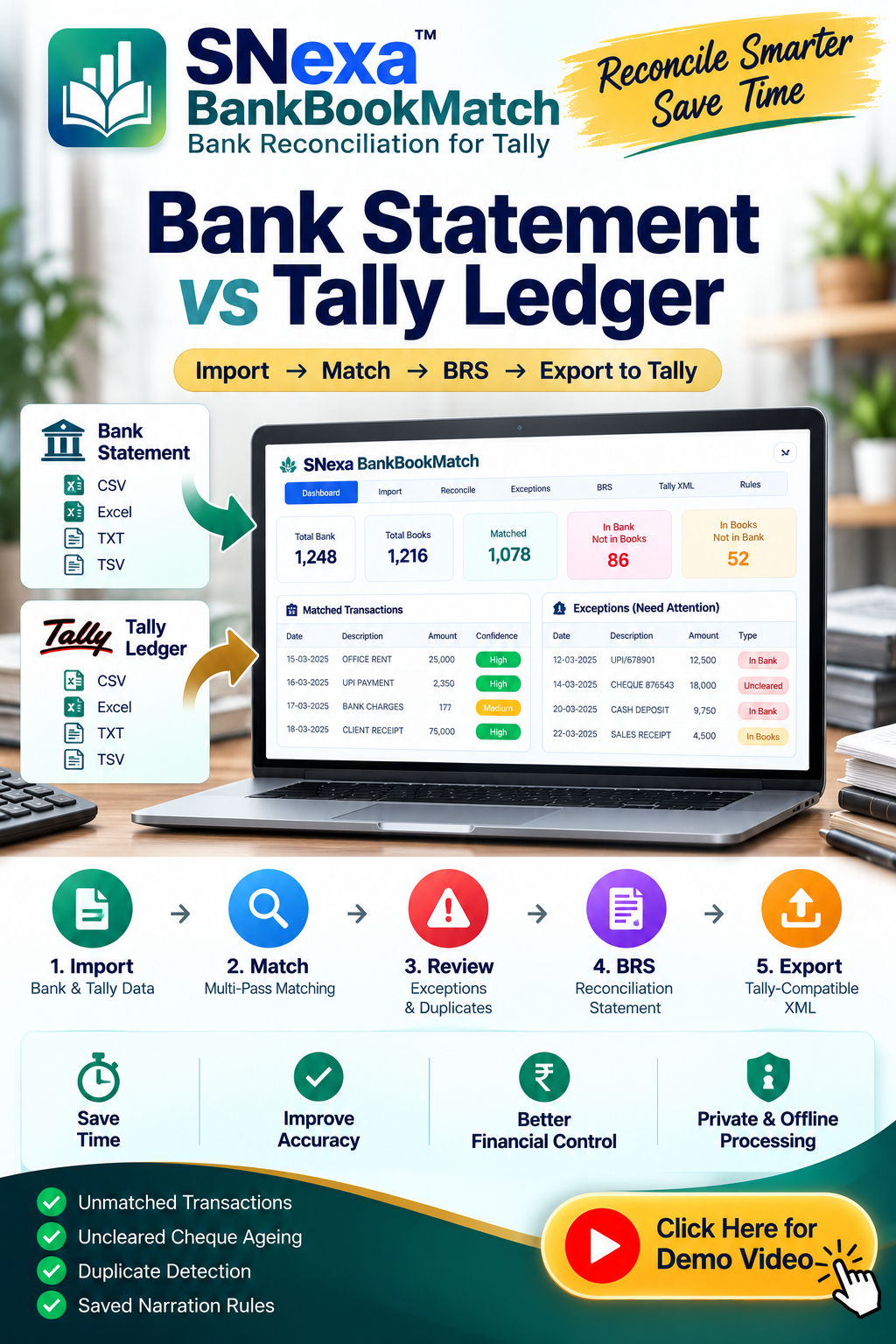
Snexa BankBookMatch helps compare bank transactions with Tally records for bank reconciliation. It can help accountants, business owners, and CA firms review matched, unmatched, and potentially differing transactions more efficiently.
Explore Snexa BankBookMatch for bank versus Tally reconciliation
Snexa StatementToTally Pro: bank statement to Tally XML
Snexa StatementToTally Pro helps prepare bank statement data for Tally-related workflows by converting bank statement information into Tally XML or Excel formats. It can be useful when manual entry of bank transactions becomes repetitive.
Discover Snexa StatementToTally Pro

Snexa Tally Voucher Suite: Excel to Tally XML imports
Snexa Tally Voucher Suite helps convert eligible Excel voucher data into Tally XML for import workflows. It can support businesses and professionals handling large volumes of sales, purchase, receipt, payment, journal, and other voucher data.
Explore Snexa Tally Voucher Suite for Excel to Tally XML import

Snexa TallyMIS: Tally XML to Excel MIS reporting
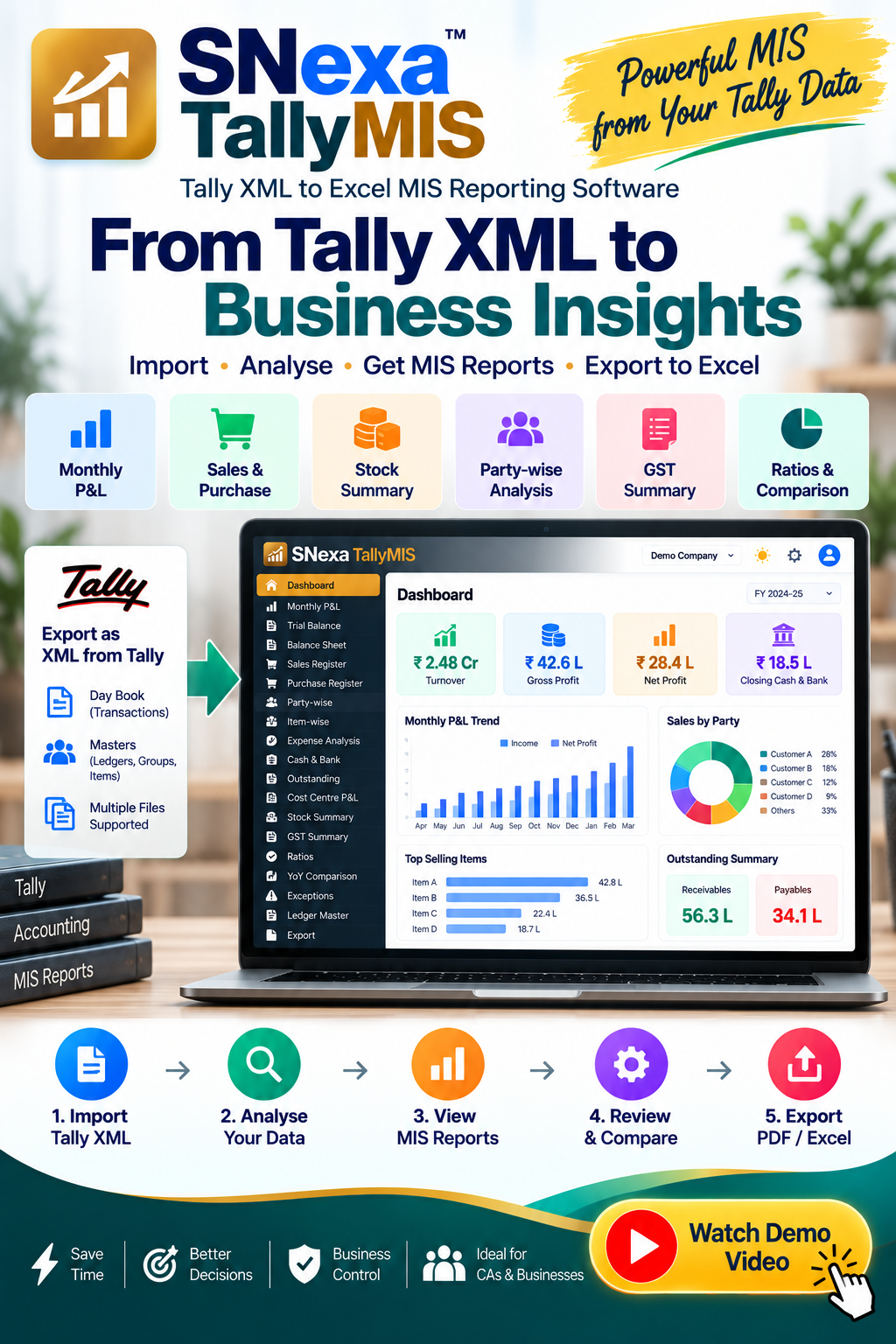
Snexa TallyMIS helps convert Tally XML data into Excel-based MIS reports. It can support business owners, finance teams, accountants, and CA firms that need structured reports for review, analysis, planning, and management decision-making.
View Snexa TallyMIS for Tally XML to Excel MIS reporting
Which software should you choose?
| Your business situation | Best starting point to evaluate |
|---|---|
| You have an experienced accountant using detailed voucher-based workflows | TallyPrime |
| You need cloud access, remote teams, and a modern online accounting workflow | Zoho Books |
| You need accounting plus wider cloud-based operational or ERP workflows | ERP Group |
| You run a small shop, retail outlet, or mobile-first business | Vyapar |
| You are happy with Tally but need faster reconciliation, imports, and reports | TallyPrime plus suitable Snexa workflow tools |
Conclusion
There is no single best accounting software for every Indian business. TallyPrime, Zoho Books, ERP Group, and Vyapar serve different operational needs.
Choose TallyPrime if you value established accounting workflows, detailed voucher control, familiar accountant processes, and inventory-focused operations. Choose Zoho Books if cloud access, remote work, collaboration, and connected business apps are priorities. Evaluate ERP Group if you need a wider cloud ERP approach. Consider Vyapar if your business needs simple GST billing and mobile-first operations.
Before replacing Tally, identify the exact problem you want to solve. If the problem is bank reconciliation, bank statement data entry, Excel voucher import, or MIS reporting, you may be able to improve your existing Tally workflow with Snexa BankBookMatch, Snexa StatementToTally Pro, Snexa Tally Voucher Suite, and Snexa TallyMIS.


